Honda CRX silhouetteCRX

Preparation of Work - Electrical (cont'd)

1-14prose procedure

Steps numbered 41-51 here to continue the Electrical-section sequence from earlier pages and keep unique step IDs; on the page they are unnumbered bullets. A small secondary 'dropped part' sketch (Surya region r20) is folded into fig8.

Electrical (cont'd)

  1. 41
    Protect wires and harnesses with tape or a tube if they are in contact with a sharp edge or corner.
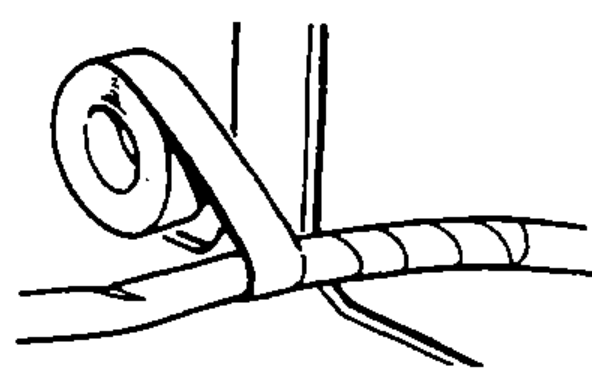
    Roll of tape being wrapped around a harness where it crosses a sharp edge, depicting protecting wires with tape or a tube at sharp edges.
  2. 42
    Clean the attaching surface thoroughly if an adhesive is used. First, wipe with solvent or alcohol in necessary.
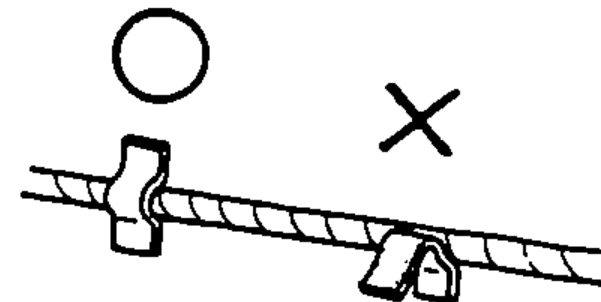
    Adhesive clamp attached to a cleaned surface (O) vs poorly attached/peeling clamp (X), depicting cleaning the attaching surface when an adhesive is used.
  3. 43
    Seat grommets in their grooves properly.
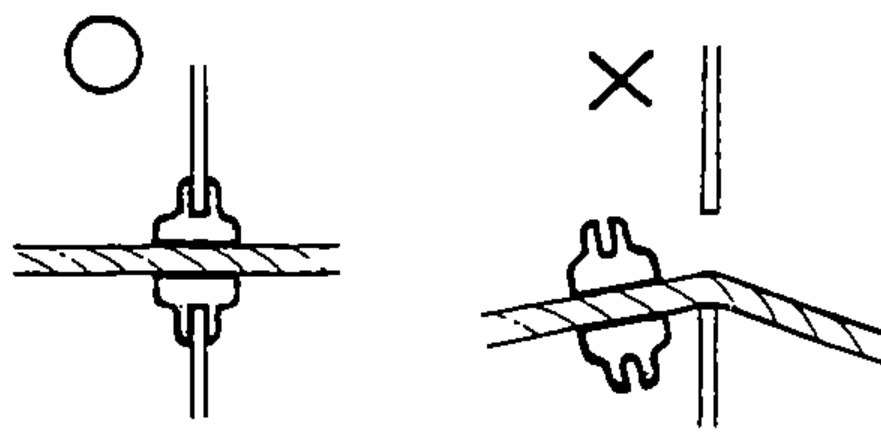
    Grommet properly seated in its groove in a panel (O) vs grommet not seated (X), depicting seating grommets in their grooves properly.
  4. 44
    Do not damage the insulation when connecting a wire.
  5. 45
    Do not use wires or harnesses with a broken insulation. Repair by wrapping with a protective tape or replace with new ones if necessary.
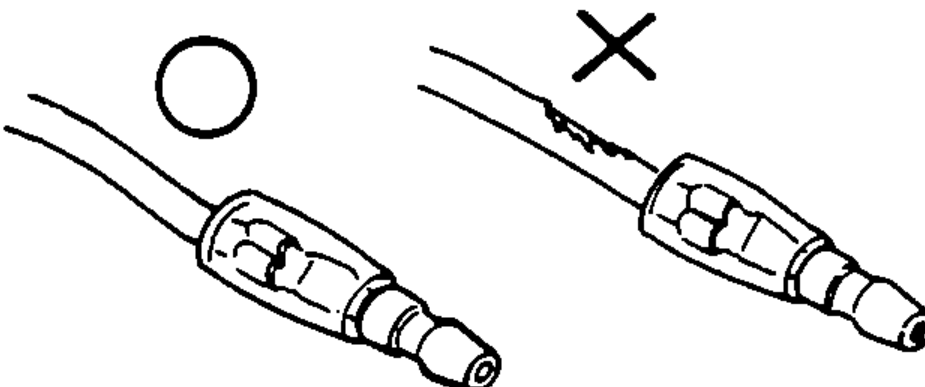
    Wire with intact insulation (O) vs wire with damaged/broken insulation (X), depicting not damaging or using wires with broken insulation.
  6. 46
    After installing parts, make sure that wire harnesses are not pinched.
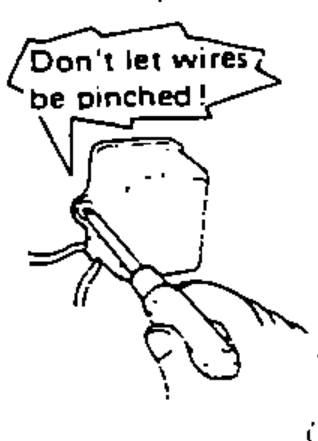
    Cartoon mechanic with a pinched harness and a starburst note 'Don't let wires be pinched!', depicting making sure harnesses are not pinched after installing parts.
  7. 47
    After routing, check that the wire harnesses are not twisted or kinked.
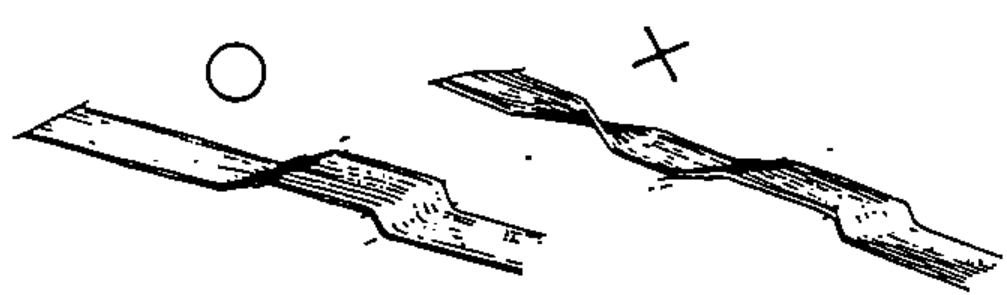
    Flat wire harness lying straight (O) vs twisted/kinked harness (X), depicting checking that harnesses are not twisted or kinked after routing.
  8. 48
    Wire harnesses should be routed so that they are not pulled taut, slackened excessively, pinched, or interfering with adjacent or surrounding parts in all steering positions.
  9. 49
    When using the Service Tester, follow the manufacturer's instructions and those described in the Shop Manual.
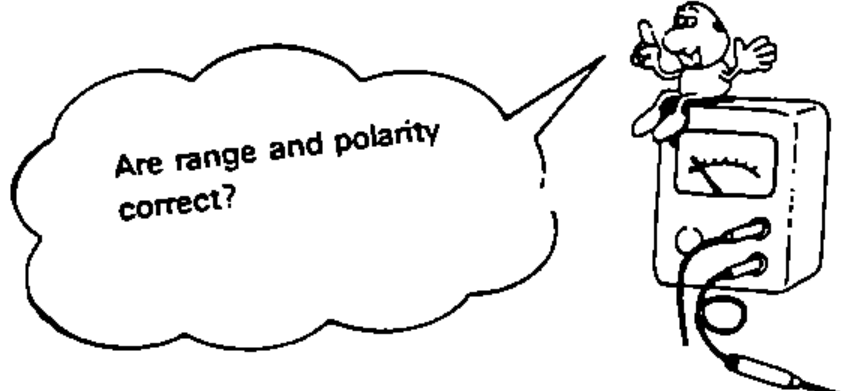
    Cartoon character on a Service Tester with a thought bubble 'Are range and polarity correct?', depicting following the manufacturer's instructions when using the Service Tester.
  10. 50
    Do not drop parts.
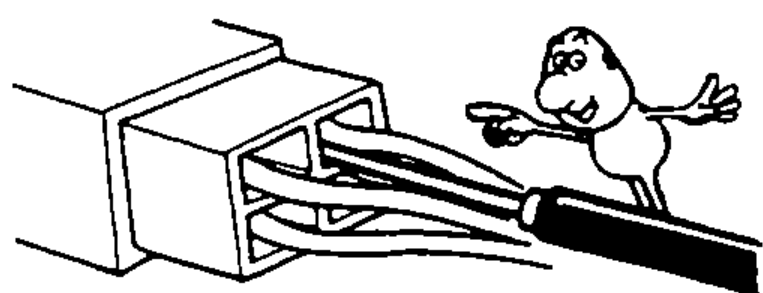
    Cartoon depicting a connector/part being mishandled and a part being dropped, illustrating the instruction not to drop parts.
  11. 51
    Rust is the enemy of all finished surfaces. Before connecting connectors and couplers, check the terminals and remove, if any, rust using a fine sand paper or emery cloth.
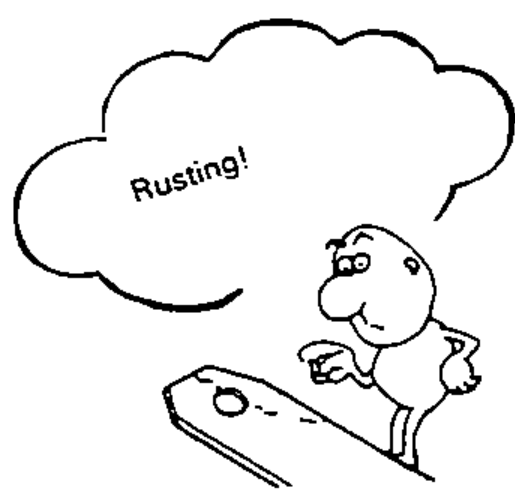
    Cartoon character standing on a rusty surface with a thought bubble 'Rusting!', depicting removing rust from terminals before connecting connectors and couplers.

Search Manual

Search pages, specs, and procedures