Door Switches / Trunk Light
16-105prose procedureTest
- 1Open the door.
- 2Remove the screw and pull out the door switch.
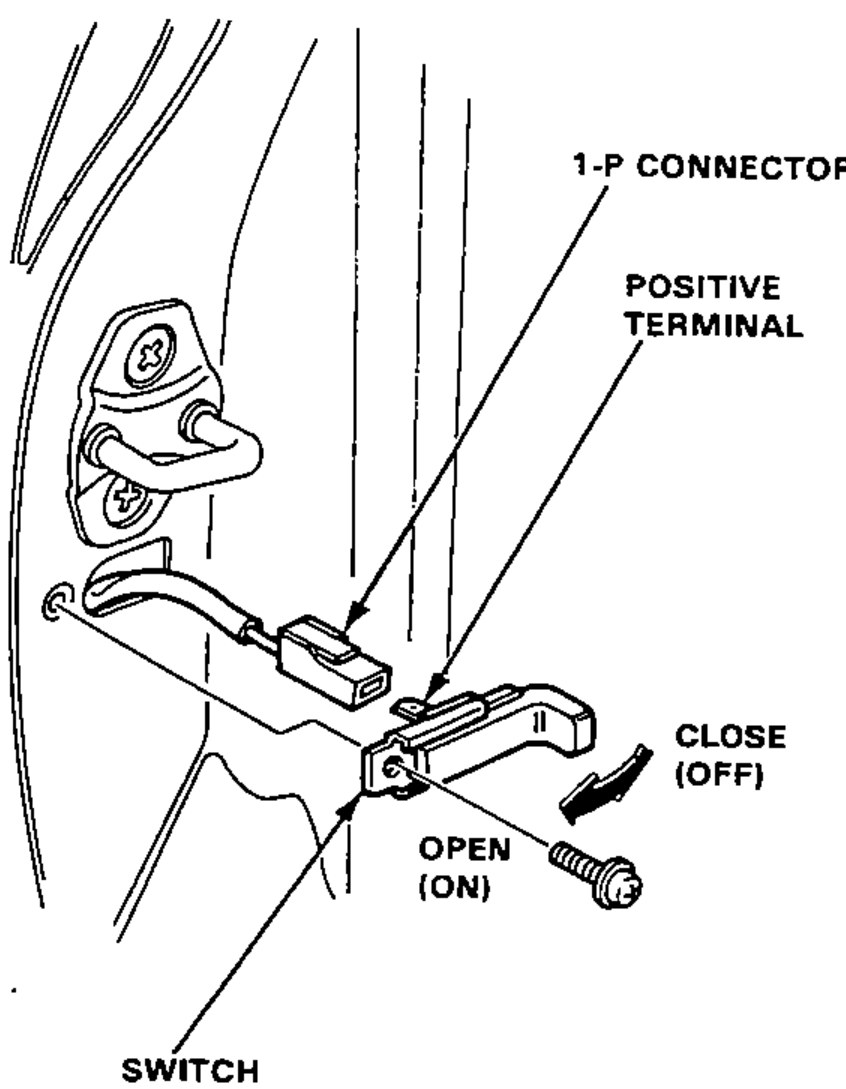
- 3Disconnect the 1-P connector from the switch.
- 4There should be continuity between the positive terminal and base plate (ground) with the switch released (door opened). There should be no continuity with the switch pushed (door closed).
Trunk Light
Test
- 1Pry off the trunk light lens from the housing.
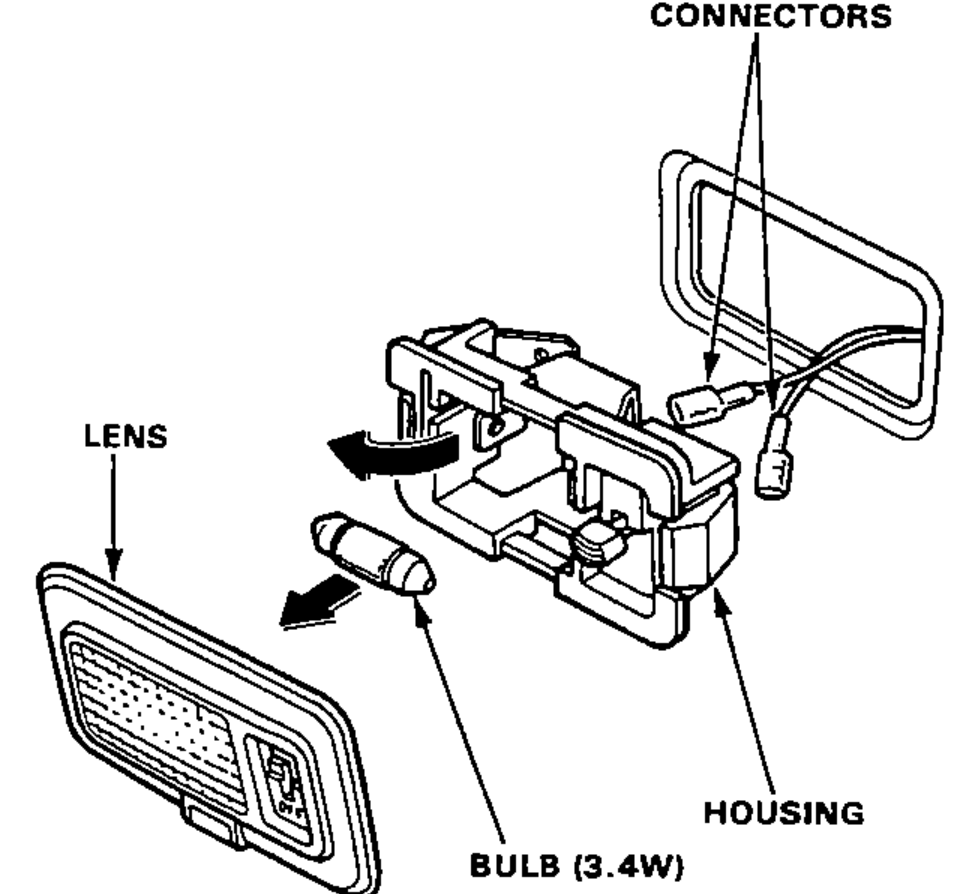
- 2Pry off the light assembly.
- 3Disconnect the connectors from the housing.
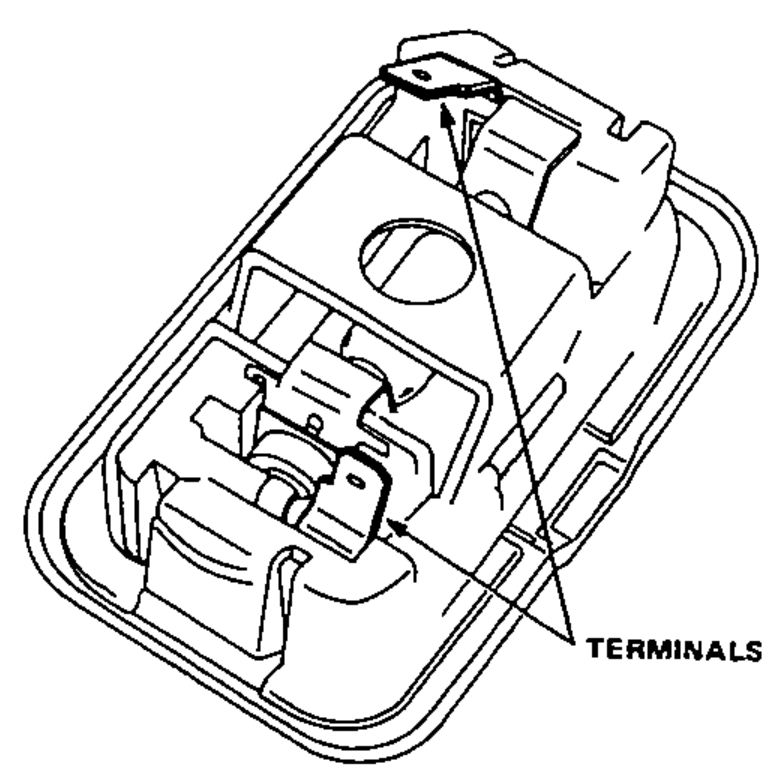
- 4Make sure that the bulb is in good condition. Set the trunk light switch in the ON position and check for continuity between terminals.